How to Embed the AI Chatbot Widget on Any Website
Deploy your fully trained AI assistant to any webpage with a single line of JavaScript. Seamlessly compatible with Webflow, WordPress, Shopify, React, Next.js, and static HTML.
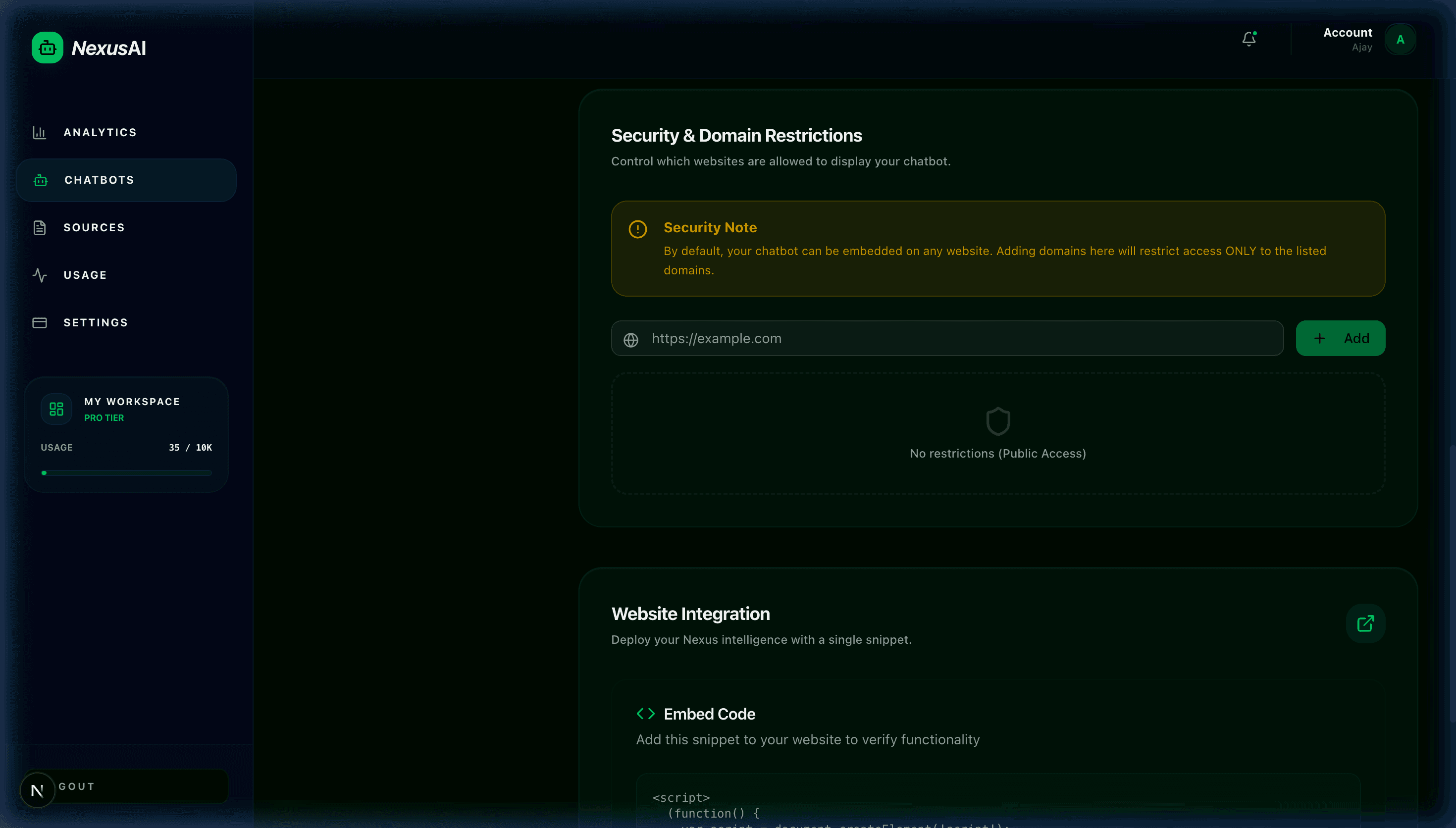
1. Copying the Standard Embed Script
Open your bot in the dashboard, switch to the Embed tab, and copy your unique JavaScript snippet.
2. Platform-Specific Integration
WebflowCustom Code
1. Open Project Settings > Custom Code.
2. Paste the snippet into the Footer Code box.
3. Publish changes to your staging or custom domain.
WordPressFooter Script
1. Go to Appearance > Theme File Editor > footer.php (or use WPCode plugin).
2. Paste the script tag right before </body>.
3. Save and refresh your site.
Shopifytheme.liquid
1. In Shopify Admin, click Online Store > Themes > Edit Code.
2. Select theme.liquid.
3. Paste the embed tag before the closing body tag and click Save.
Next.js / Reactnext/script
In your root app/layout.tsx, import Script from "next/script" and add <Script src="..." strategy="lazyOnload" />.